

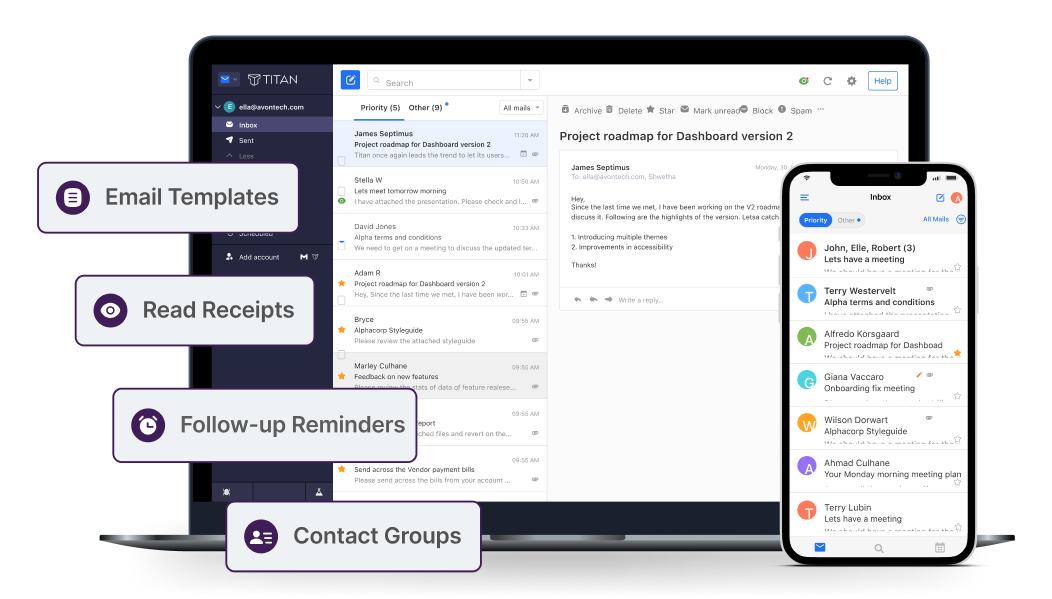
Titan Email Protection & Archiving Add-ons
Use Titan for professional email and add advanced filtering/archiving services to strengthen deliverability, security, and compliance.
Eliminate spam and viruses from email before they ever reach your network.
Prevent spam and viruses from ever unknowingly leaving your network.
Never lose an email again and ensure email data integrity for legal compliance.
What Do You Get with Titan?

Quick Setup
Start sending emails from your domain within minutes with Titan's easy-to-use webmail and mobile apps.

Reliable Delivery
Ensure your emails always reach their destination with Titan's strong sending reputation and optimized delivery.
Enhanced Security
Protect communications with advanced security features like 2FA, custom DKIM, and data encryption.

24/7 Support
Receive continuous assistance from our dedicated team to keep your email service running smoothly.
Intro to Titan Business Email
Titan Business Email is designed for modern businesses seeking professional, secure, and reliable communication. With custom domain support, advanced security features, and an intuitive interface, Titan ensures your emails are always on-brand and efficiently managed. Whether you're a small business or an enterprise, Titan offers scalable solutions that grow with your needs.
Powerful Tools for Your Inbox

One-click Import
Bring your existing emails and contacts from other accounts into Titan so you don't have to keep switching between accounts.

Multi-account Support
Set up essential mailboxes such as support@yourdomain.com and sales@yourdomain.com, and switch between them in one interface.

Inbuilt Calendar & Contacts
Share your calendar with contacts to collaborate easily. Also store relevant details about your contacts.

Auto-reply
Automatically reply to incoming emails while you are away to avoid keeping your senders waiting.
Block Sender
Keep emails from unwanted senders out of your inbox. Block specific email addresses, or all emails from a certain domain.

Send as Alias
Send emails using your alias identity to keep your primary email address hidden.
50K+ people trust SkyCore Host for their IT needs
SkyCore Host is a trusted provider of hosting and cloud services serving customers worldwide. Our team is available 24/7 to provide support and guidance, ensuring your infrastructure and communication tools stay online and productive.


"Smooth Titan email setup and excellent support. Our team moved from free email to branded mailboxes in no time."

"Titan plus spam filtering improved our deliverability and cut junk mail drastically. Great value from SkyCore Host."

"Professional domain email, mobile sync, and strong support—exactly what we needed for daily business communication."

"We added archiving for compliance and it gave us peace of mind. Easy to manage and worth the investment."
Do More with Our Enterprise plan
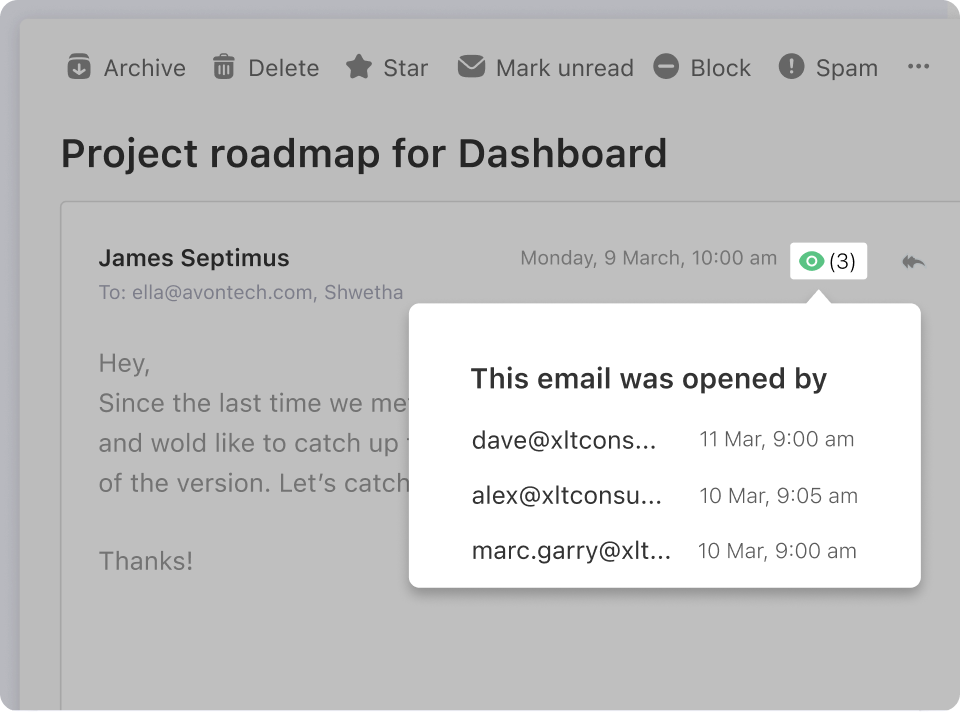
Know when your emails are read
Stay informed with Titan Email's read receipt feature, which notifies you the moment your emails are opened. This helps you track engagement, follow up effectively, and ensure important communications are seen.
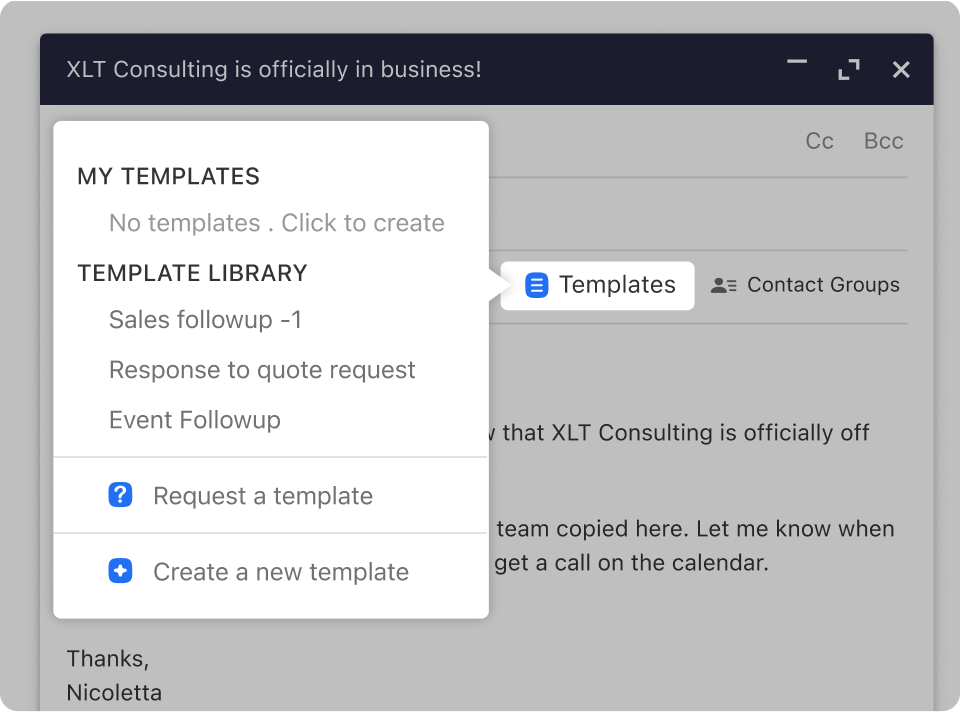
Don't reinvent the wheel for every email
Save time and maintain consistency with customizable templates. Create and reuse professionally designed email templates for recurring communications.
Generate a higher customer response rate
Boost engagement with Titan's advanced email tools, including personalized templates, automated follow-ups, and efficient communication workflows.
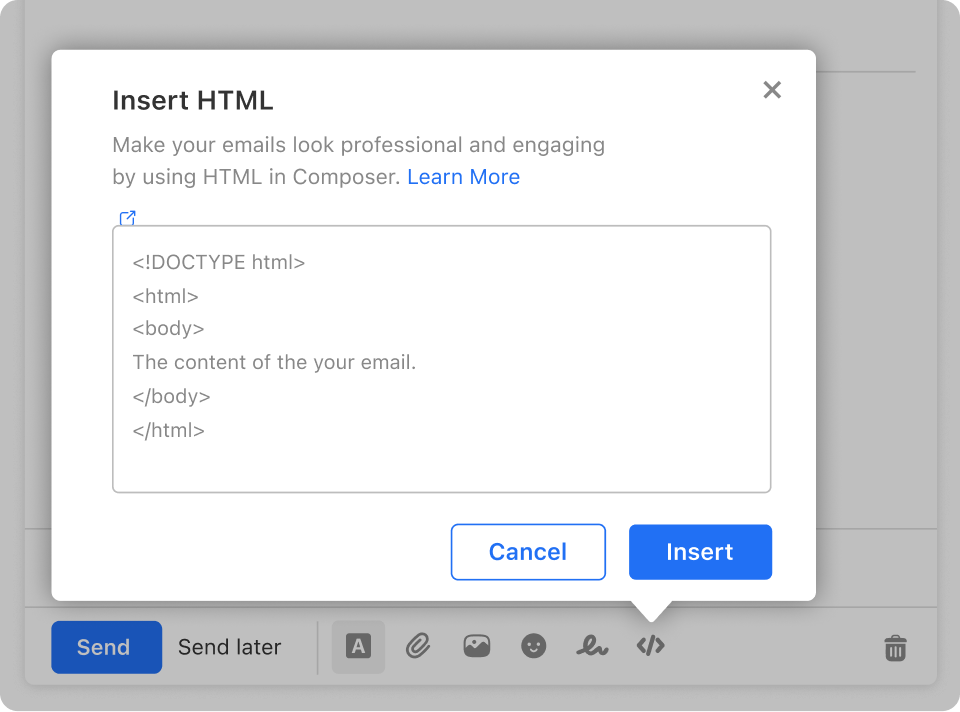
Write now, send later
Compose messages at your convenience and schedule them to be sent at the perfect time, helping improve open rates and communication efficiency.
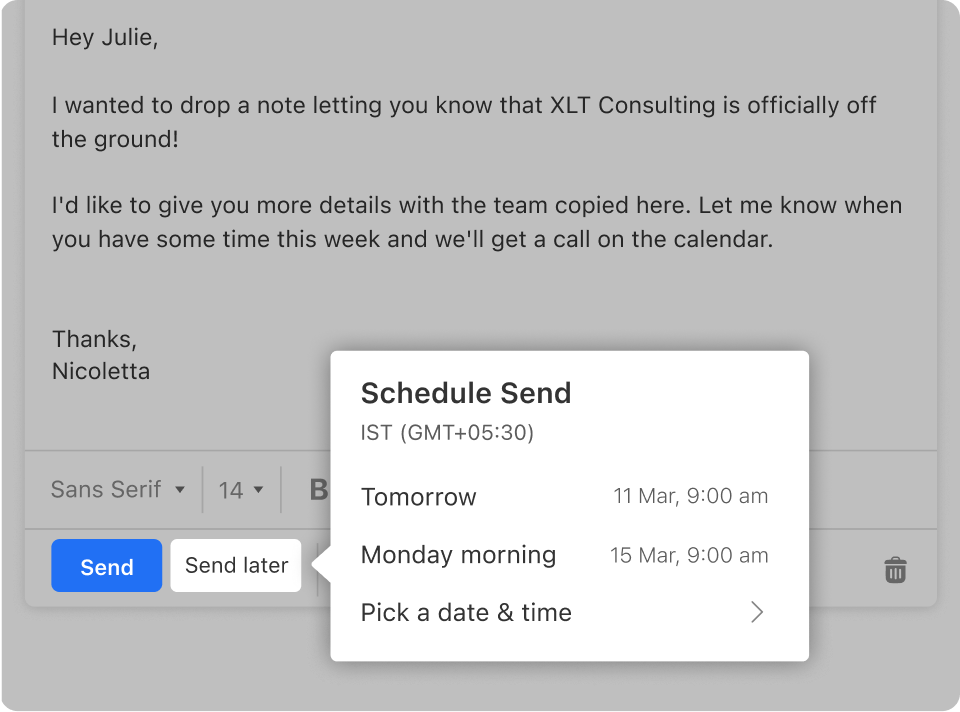
Follow up on time, every time
Set automatic reminders and schedule follow-up emails to maintain timely communication and strengthen customer relationships.
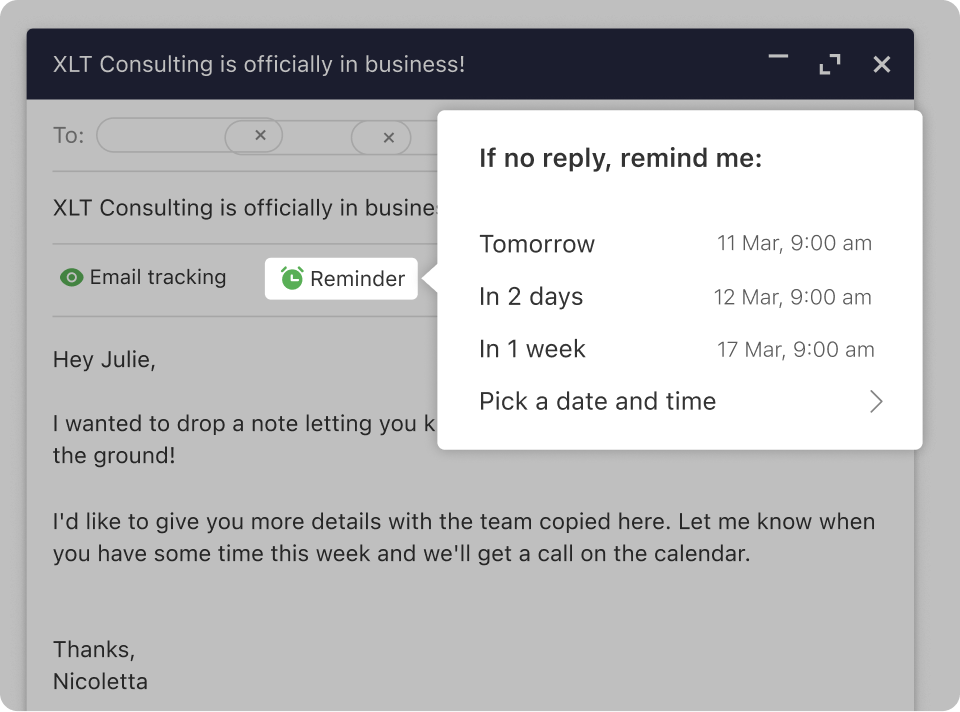
Focus on what matters
Automate routine tasks, manage communications efficiently, and minimize distractions so you can focus on growth and strategic work.
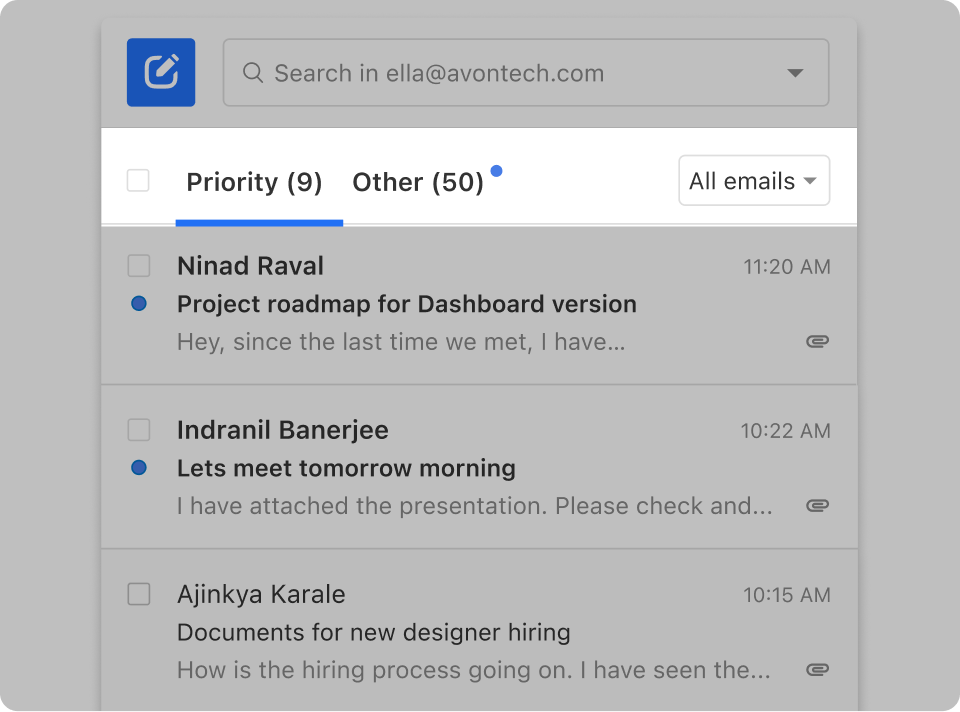
Save time when sending emails
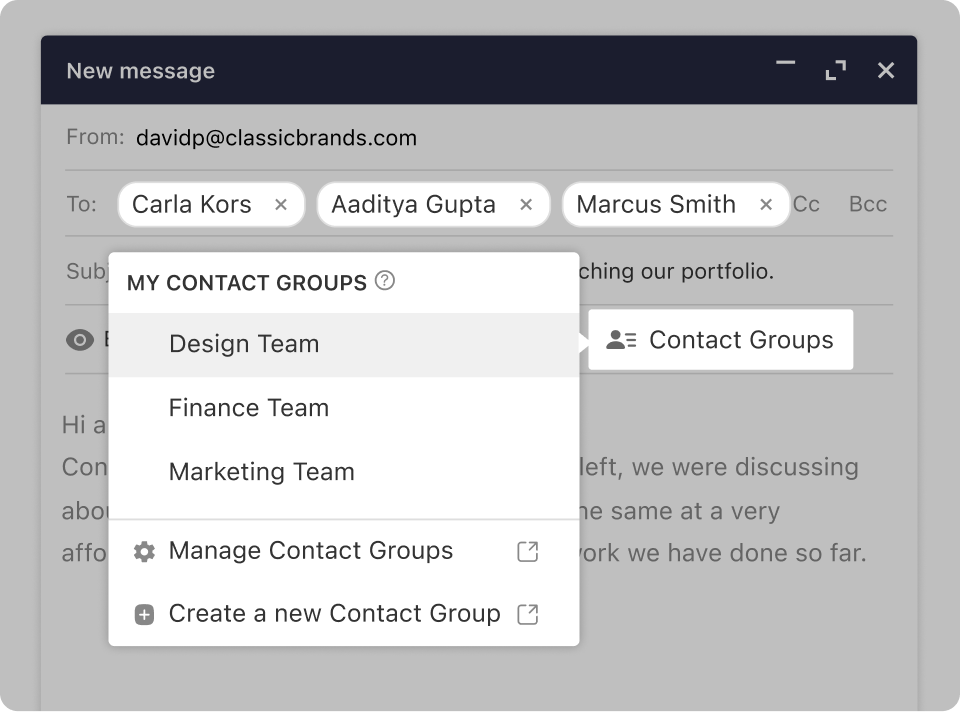
Use templates, groups, and automation to reduce repetitive work while ensuring timely and consistent communication across your business.
Titan Business Email FAQs
Have questions? We've got answers.
-
What is a business email?
A business email is an email address that matches your domain name (for example, name@yourbusiness.com) instead of a generic free email address. It improves trust, brand consistency, and professionalism.
-
Why do I need email on my domain?
If you're doing business over email, it's critical to establish trust. A custom email address branded with your domain separates you from scammers and builds confidence with customers.
-
Can I create a business email without a website?
Yes. You can use Titan with just a domain name. If you don't have one yet, you can register your domain with SkyCore Host while signing up for business email.
-
Can I migrate my existing emails and contacts from other platforms?
Yes. Titan includes built-in migration tools to help you move existing emails and contacts. If you run into any issues, support is available to help.
-
Can I access my email account on a mobile device?
Yes. Titan is available on major web browsers and also has native apps for Android and iOS devices.
-
Does Titan include a spam filter?
Yes. Titan includes advanced anti-spam filtering for inbound messages. You can further enhance protection with the optional incoming/outgoing filtering add-ons shown above.